For an importer, the purchase price is rarely the real product cost.
A product purchased for ₹1,000 may eventually cost much more after freight, insurance, customs duties, port charges, clearing fees and other expenses.
The same applies to distributors.
You may know your purchase price and selling price, but do you know your true landed cost and actual margin?
This is where an integrated ERP becomes important.
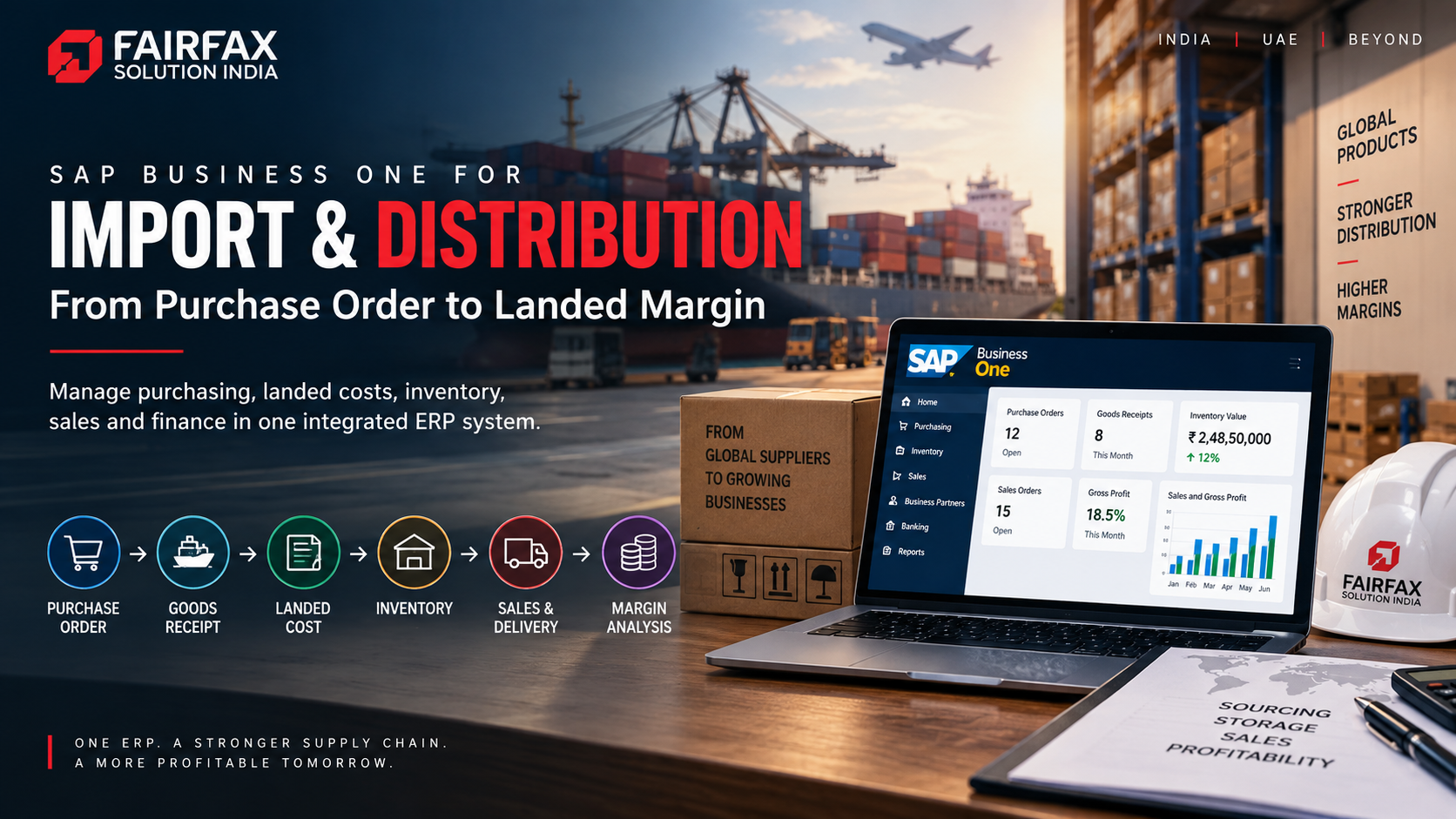
SAP Business One for import and distribution connects purchasing, landed costs, inventory, sales and finance so businesses can track the complete product lifecycle.
The Import-to-Sale Process
A typical import and distribution cycle looks like this:
Purchase Order → Goods Receipt → Landed Cost → Inventory → Sales Order → Delivery → A/R Invoice → Collection → Margin Analysis
When these processes operate across spreadsheets and disconnected applications, maintaining accurate product costs becomes difficult.
SAP Business One brings these transactions into a connected ERP environment.
1. Start With Purchase Planning
The process begins before the shipment arrives.
Purchasing teams need visibility into:
- Supplier pricing
- Historical purchase prices
- Open purchase orders
- Lead times
- Minimum order quantities
- Inventory availability
- Sales demand
- Warehouse requirements
SAP Business One connects purchasing with inventory and sales information, helping procurement teams make decisions using current business data rather than isolated spreadsheets.
For distributors managing hundreds or thousands of SKUs, this visibility becomes increasingly important.
2. Track the Purchase Order Through Receipt
Once a purchase order is created, the business needs to track what actually arrives.
SAP Business One can connect purchasing documents through the procurement cycle, including purchase orders and goods receipts.
This creates an audit trail between:
Ordered Quantity → Received Quantity → Invoiced Quantity
That helps businesses identify:
- Short shipments
- Excess deliveries
- Price differences
- Pending quantities
- Supplier performance
It also creates a cleaner foundation for inventory valuation and accounts payable.
3. Calculate the Real Landed Cost
This is where import businesses often lose visibility.
Suppose you purchase products worth ₹10 lakh.
Your actual cost may also include:
- Ocean or air freight
- Customs duty
- Insurance
- Port charges
- Clearing charges
- Transportation
- Handling charges
- Other import-related expenses
If these costs are recorded separately from inventory, your product profitability can become misleading.
SAP Business One provides Landed Costs functionality that allows additional import expenses to be allocated to items received into inventory. The system can allocate costs using different allocation methods, depending on the business requirement.
The result is a more meaningful product cost.
Example
Product purchase value: ₹10,00,000
Freight: ₹80,000
Customs and duties: ₹1,20,000
Insurance and clearing: ₹30,000
Total landed cost: ₹12,30,000
Your product did not actually cost ₹10 lakh.
It cost ₹12.3 lakh before considering your selling and operating costs.
That difference directly affects margin analysis.
4. Connect Landed Cost With Inventory
Once additional costs are allocated, inventory valuation becomes more representative of the actual acquisition cost.
This matters when businesses calculate:
- Cost of goods sold
- Gross profit
- Product margins
- Inventory valuation
- Stock profitability
For an importer carrying multiple products, this can make a significant difference.
A product that appears profitable based on purchase price may become considerably less profitable after its landed cost is considered.
5. Manage Multiple Warehouses
Distribution businesses rarely operate from a single location.
You may have:
Central Warehouse → Regional Warehouse → Distributor → Customer
SAP Business One supports inventory management across multiple warehouses and locations.
This gives businesses greater visibility into:
- Available stock
- Committed stock
- Ordered stock
- Warehouse-level inventory
- Stock transfers
- Replenishment requirements
Instead of purchasing additional stock immediately, management can first determine whether inventory is already available elsewhere in the network.
That can reduce unnecessary procurement and improve inventory utilization.
6. Connect Sales With Inventory
Once inventory is available, the next challenge is fulfilment.
SAP Business One connects sales processes with inventory availability.
A typical cycle can be:
Sales Quotation → Sales Order → Delivery → A/R Invoice
Sales teams can work with current inventory information while finance teams can maintain visibility into receivables.
This creates a connected flow between:
Sales → Warehouse → Delivery → Finance
7. Know Your Gross Profit
Revenue alone does not tell you whether a product is profitable.
Consider two products:
Product A
Selling price: ₹1,500
Landed cost: ₹1,000
Gross profit: ₹500
Product B
Selling price: ₹1,500
Landed cost: ₹1,300
Gross profit: ₹200
Both products generate the same revenue.
But their contribution to gross profit is very different.
SAP Business One provides gross profit functionality that can help businesses analyse profitability at the document and item level using relevant cost information.
This can help management evaluate:
- Product profitability
- Customer profitability
- Sales margins
- Discount impact
- Purchase-price changes
8. Control Customer Credit and Receivables
Distribution businesses often operate on credit.
That creates another important connection:
Sales → Credit → Delivery → Invoice → Collection
SAP Business One provides financial management capabilities alongside sales and purchasing.
This allows businesses to monitor:
- Customer balances
- Outstanding invoices
- Credit limits
- Payment terms
- Receivables
- Cash flow
For management, this means the ERP can connect sales growth with cash realization.
After all, a high-revenue customer who consistently pays late can create working-capital pressure.
9. Use One ERP Instead of Multiple Spreadsheets
The biggest benefit is not a single SAP Business One feature.
It is the connection between business processes.
Without an integrated ERP, an importer may maintain:
Excel → Purchase data
Accounting software → Finance
Warehouse software → Inventory
CRM → Customers
Email → Supplier communication
Another spreadsheet → Landed costs
This creates reconciliation work.
With SAP Business One, core processes can operate within a connected ERP environment, while third-party applications can be integrated where required.
That creates a stronger single source of business data.
What Importers and Distributors Should Measure
Once the processes are connected, management can track KPIs such as:
- Inventory turnover
- Gross margin
- Landed cost
- Stock aging
- Purchase price variance
- Supplier lead time
- Warehouse utilization
- Order fulfilment
- Customer outstanding
- Working capital
- Slow-moving inventory
These metrics turn ERP data into operational decisions.
Who Can Benefit From SAP Business One?
This model is particularly relevant for:
- Importers
- Wholesale distributors
- FMCG distributors
- Electronics distributors
- Industrial equipment suppliers
- Automotive parts distributors
- Chemical distributors
- Food and beverage businesses
- Multi-warehouse trading companies
The exact configuration will depend on the company's products, warehouses, supply chain and financial processes.
Final Takeaway
For importers and distributors, purchase price is not the same as product cost.
Freight, duties, insurance, clearing and other expenses can materially change the economics of a product.
SAP Business One can connect:
Procurement → Landed Cost → Inventory → Sales → Finance → Profitability
That gives management a clearer view of where money is being spent, where inventory is sitting and which products are actually generating margins.
The objective is not simply to sell more.
It is to understand what each sale actually contributes to the business.
Planning SAP Business One for your import or distribution business?
Fairfax Solutions can help with SAP Business One implementation, inventory management, landed-cost configuration, integrations, customization and ongoing AMS support.
Build an ERP environment that connects your purchase order to your actual landed margin.




 September 22, 2026